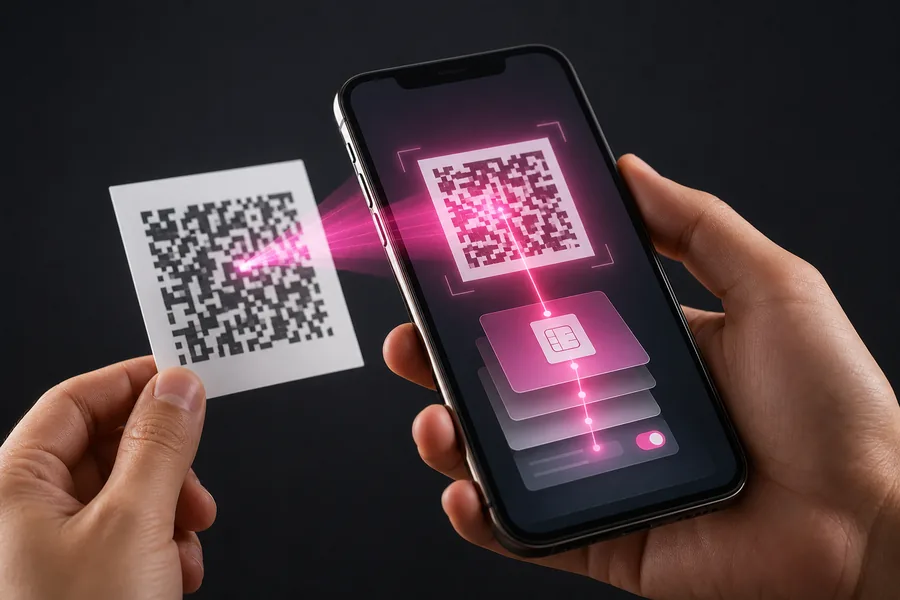
Activate an eSIM on iPhone in Morocco using a QR code, then configure dual SIM, mobile data, roaming and common setup fixes.
Before scanning the QR code
Check that the iPhone supports eSIM, is updated and has no carrier lock. Connect to Wi-Fi and display the QR code on another screen.
Keep the old SIM active until calls, texts and data work on the new line.
Add the eSIM in iOS
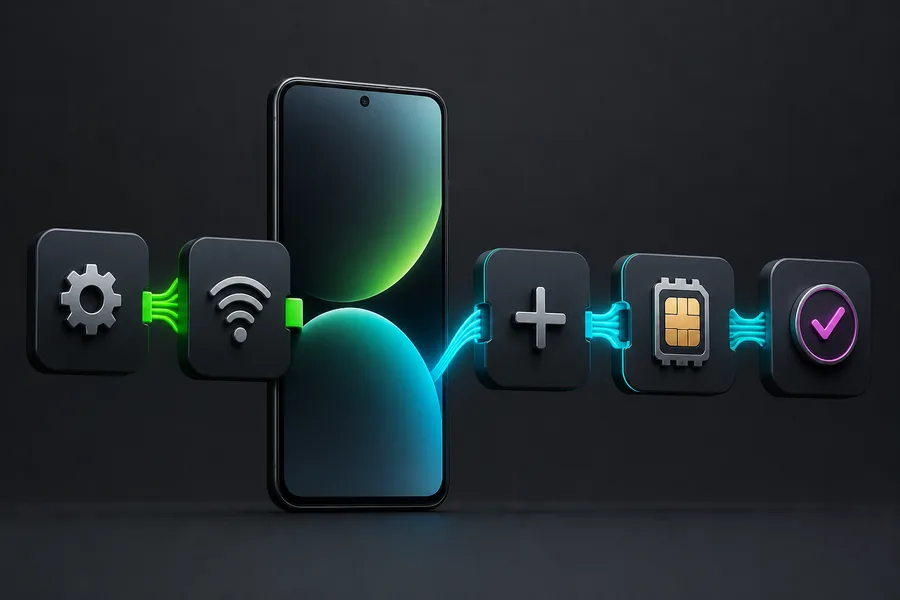
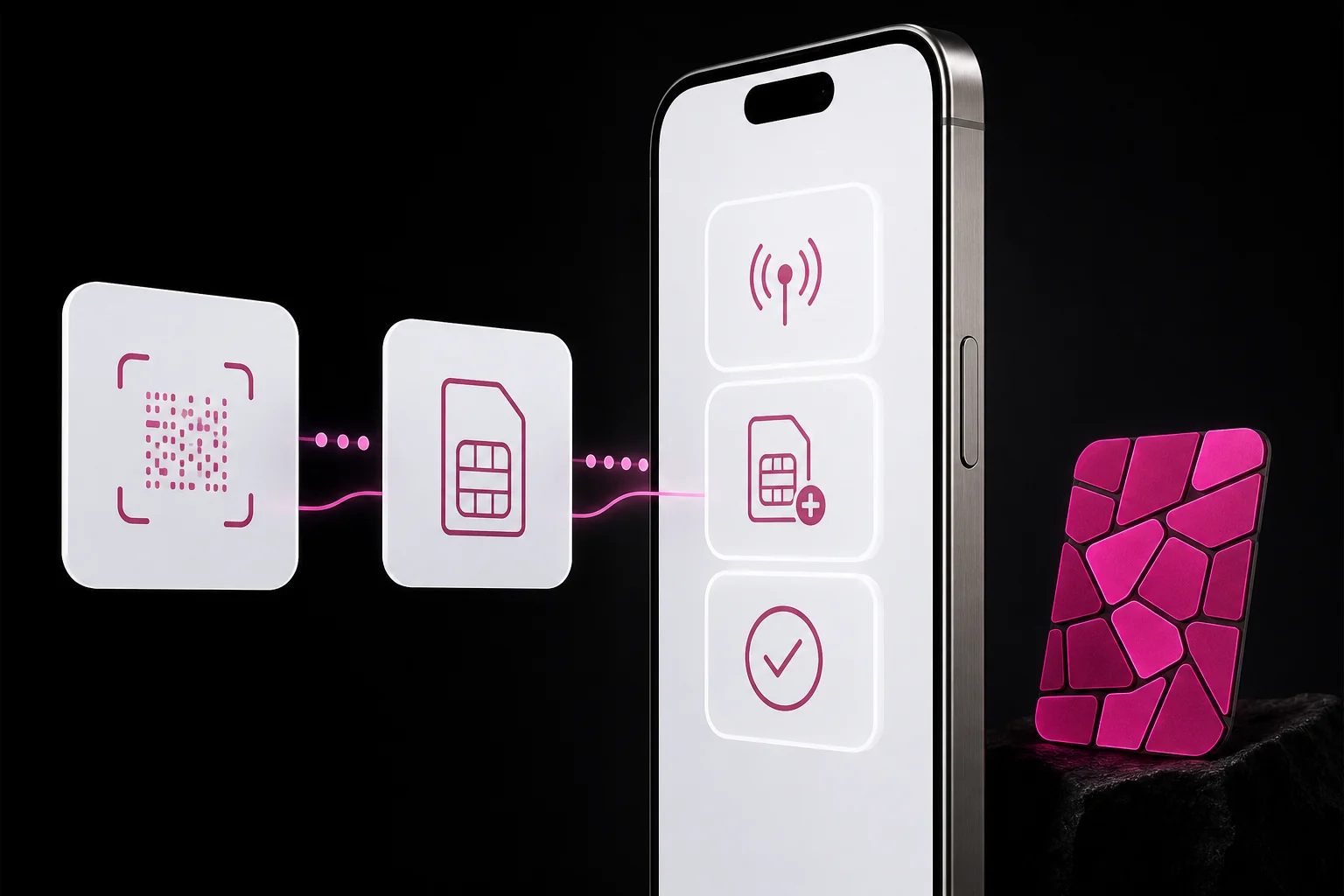
Open Settings, Mobile Data, Add eSIM, then Use QR Code. Labels can vary slightly by iOS version.
For a travel eSIM, select it for mobile data and enable roaming if required. For a Moroccan local line, follow the operator’s settings.
Configure both lines
- Compatible iPhone XS, XR or later.
- EID visible and no SIM restrictions.
- Unused QR code and Wi-Fi.
- PIN or confirmation code available.
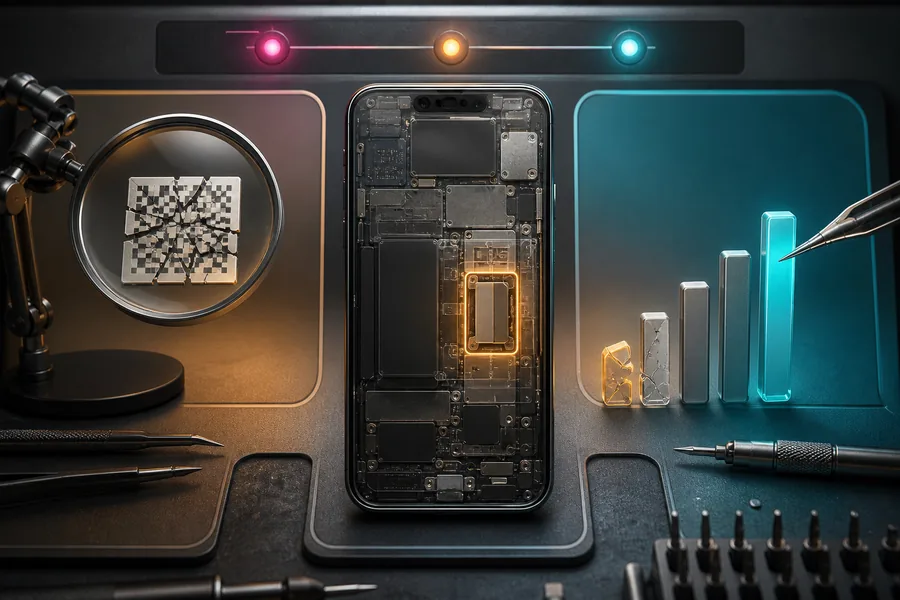
Fix common setup errors
- Scan, confirm and wait for activation.
- Label both lines and select voice and data defaults.
- Test the network and keep the QR code private.
Verification
Official sources
We checked these official pages on 8 August 2026. Open them before paying because prices, terms and device lists can change.
Practical note: Confirm the exact phone model and the operator’s current terms before paying or deleting an eSIM profile.