Activate an eSIM on Android in Morocco on Samsung, Google Pixel or Xiaomi, including QR scanning, data-line settings, roaming and troubleshooting.
Prepare Android
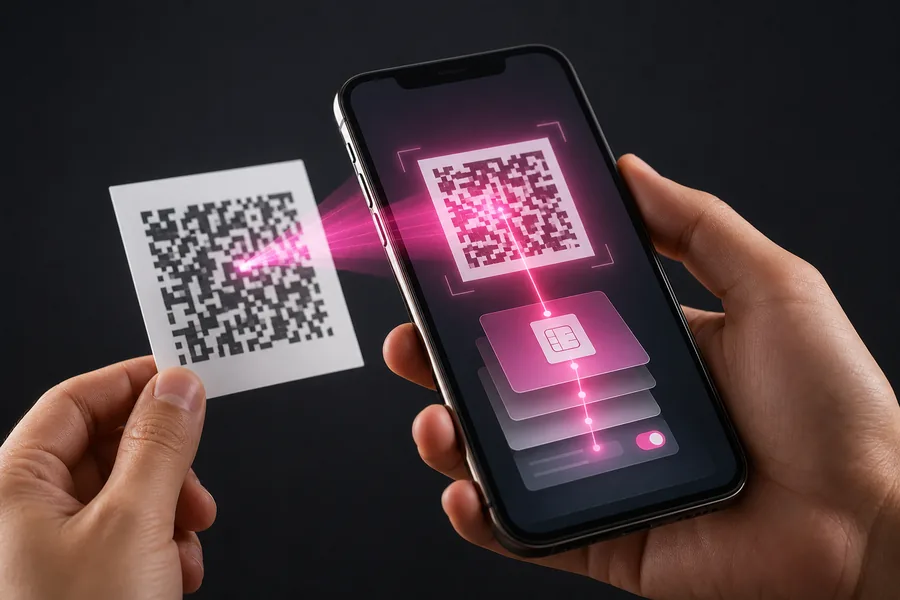
Install updates, check for EID and connect to Wi-Fi. Display the QR code on another device.
A compatible phone can still be carrier-locked or use a regional variant where eSIM is disabled.
Samsung, Pixel and Xiaomi menus
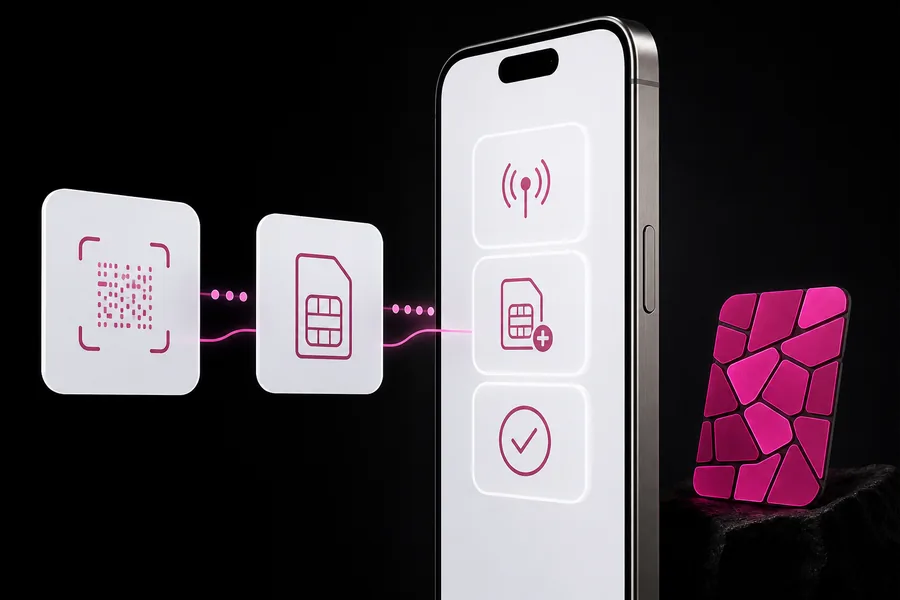
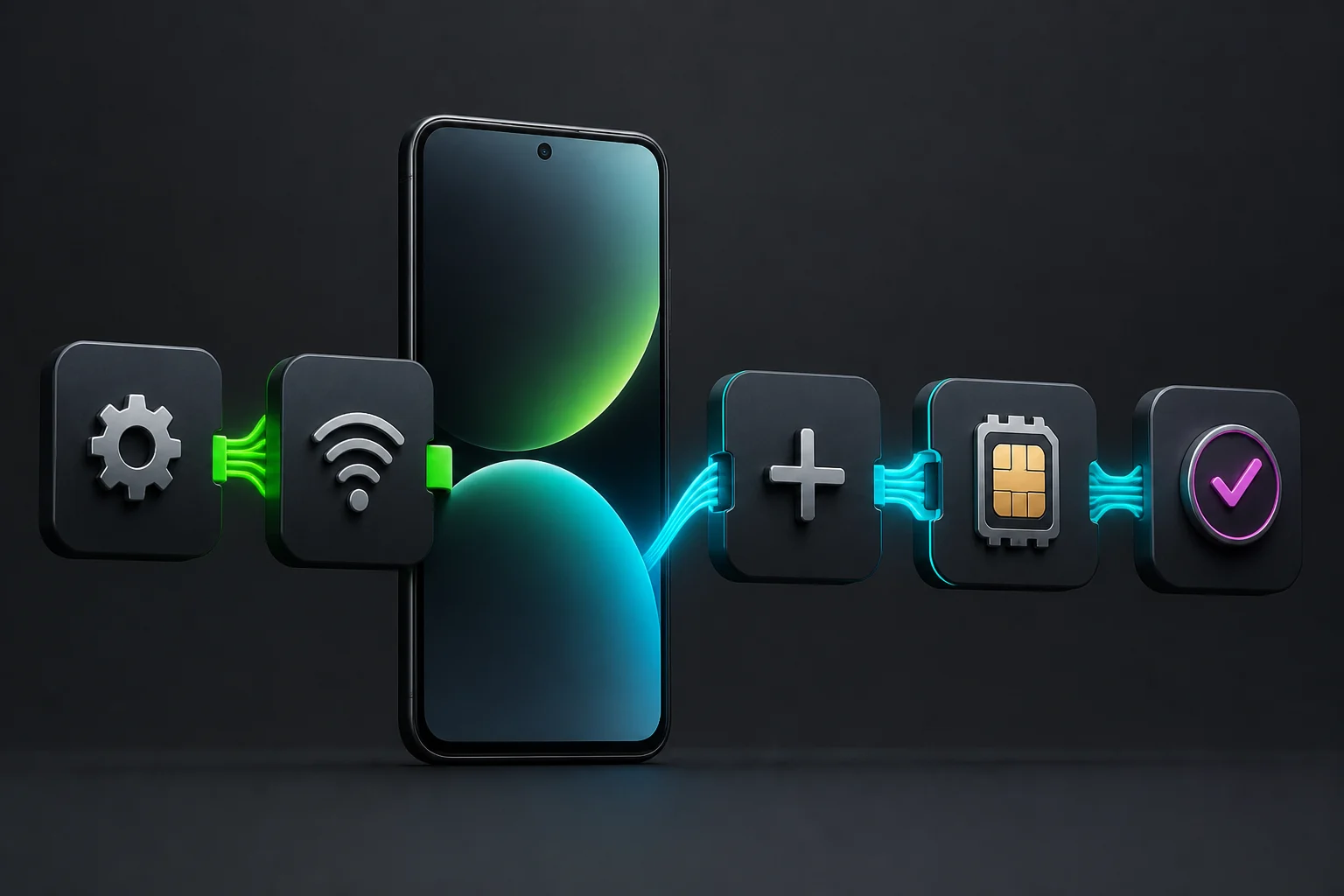
On Samsung, use Connections and SIM Manager. On Pixel, Network and Internet then SIMs. On Xiaomi, SIM cards and mobile networks. Choose Add or Download eSIM.
Enable data roaming only when a travel plan requires it. A local Moroccan line normally works without roaming.
Choose the data line
- EID and Add eSIM option visible.
- Wi-Fi, battery and software ready.
- Valid official QR code.
- Carrier-unlocked device.
Troubleshoot installation
- Scan the code and approve the download.
- Select defaults for data, calls and texts.
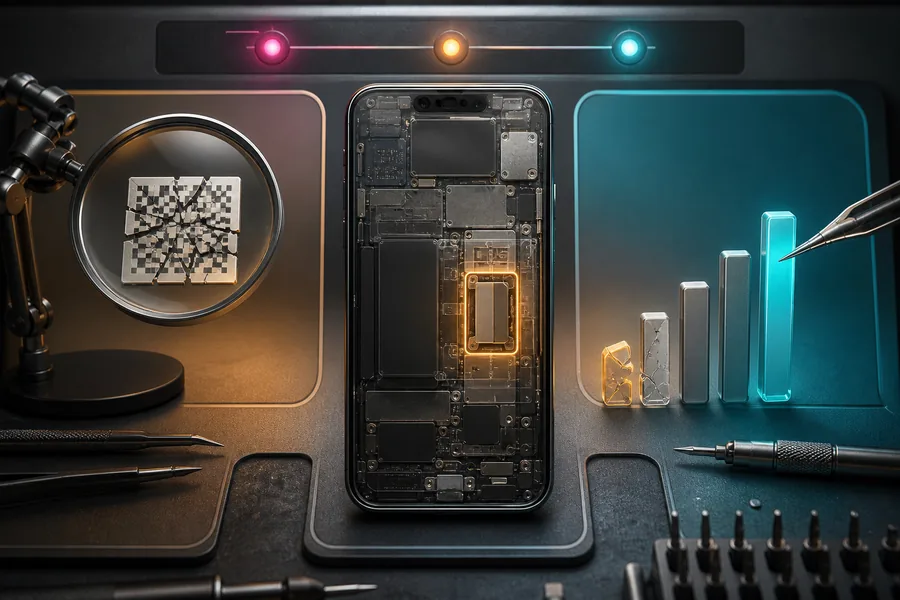
- Restart if needed, then contact the operator with the exact error.
Verification
Official sources
We checked these official pages on 8 August 2026. Open them before paying because prices, terms and device lists can change.
Practical note: Confirm the exact phone model and the operator’s current terms before paying or deleting an eSIM profile.