Activate an eSIM in Morocco on iPhone or Android: prepare the phone, scan a QR code, set the data line, manage dual SIM and fix common errors.
Prepare the phone
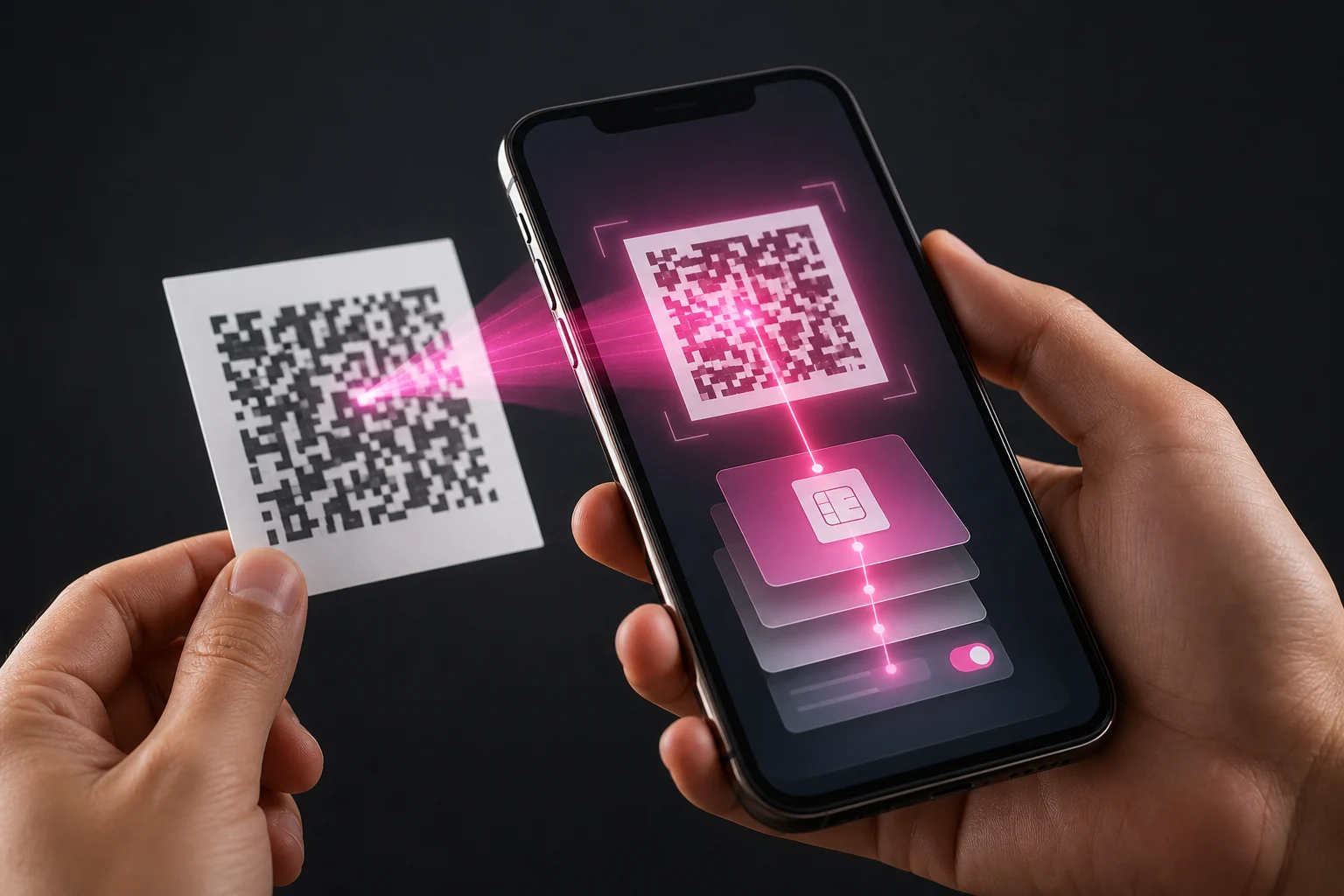
Connect to Wi-Fi, install updates and keep the old line active until the new eSIM is working. Have the provider’s QR code ready on another screen.
The QR code downloads a mobile profile and should be kept private like an account credential.
Activation on iPhone and Android
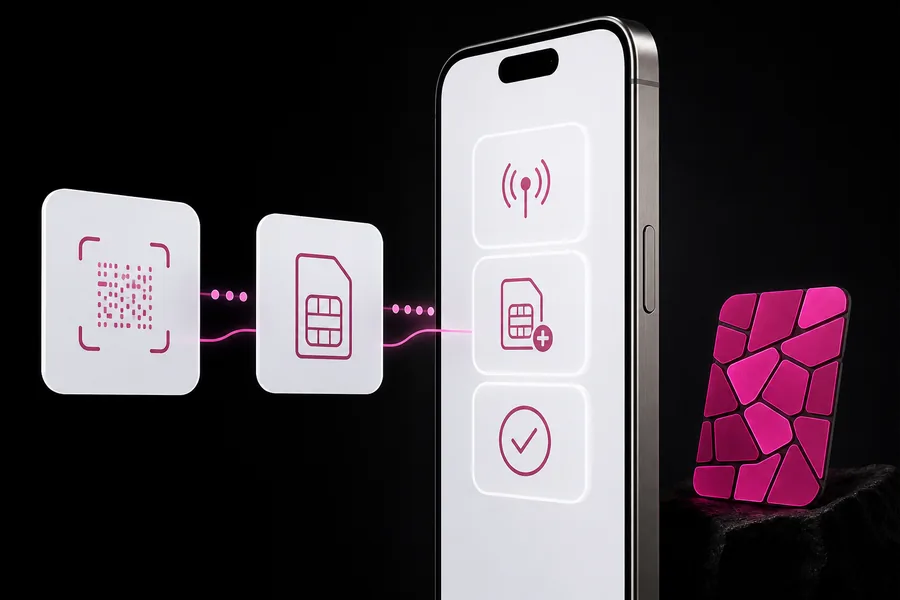
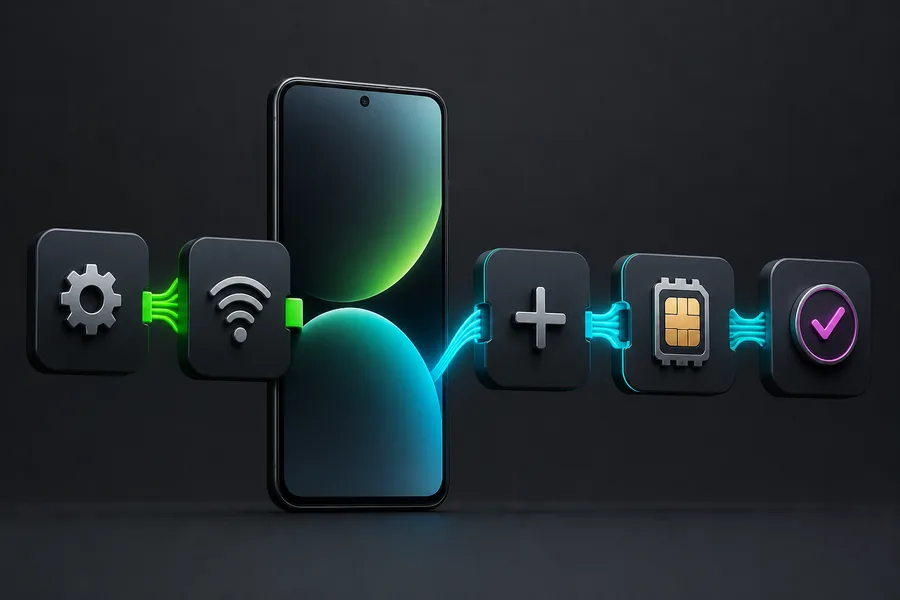
On iPhone, use Settings, Mobile Data, Add eSIM. On Android, look under SIM Manager, Network and Internet or Connections.
A travel plan may require data roaming. A local Moroccan operator line normally does not use roaming on its home network.
Set up dual SIM
- Stable Wi-Fi and enough battery.
- Compatible, unlocked phone.
- QR code on a second screen or printed.
- Order number, PIN and provider support details.
Fix a stalled activation
- Add the plan and wait for the download to finish.
- Label the line and choose voice and data defaults.
- Test a call or webpage before deleting the old profile.
Verification
Official sources
We checked these official pages on 8 August 2026. Open them before paying because prices, terms and device lists can change.