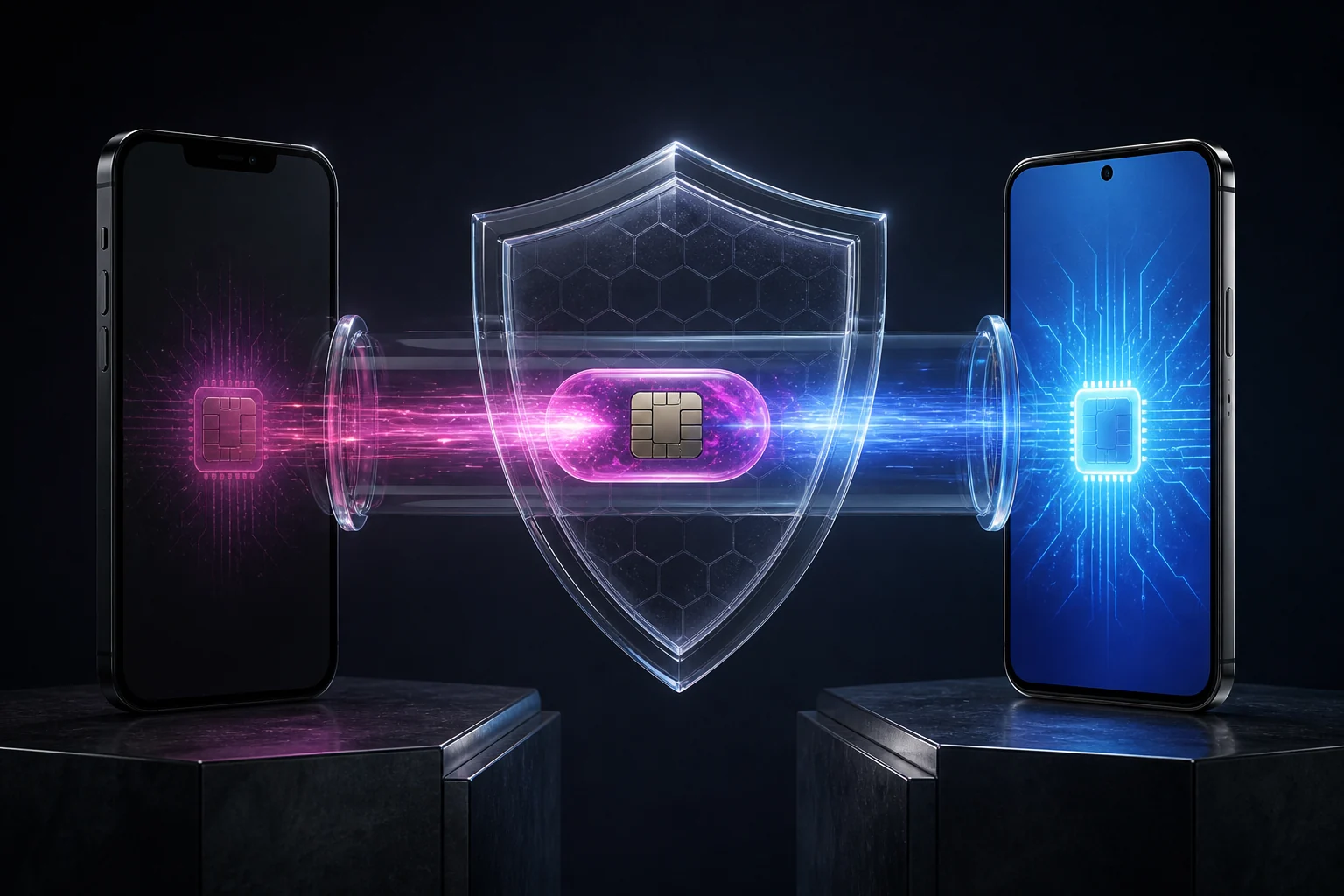
Transfer an eSIM to a new phone safely, including backups, QR-code reissue, old-profile deletion and security steps for Moroccan mobile lines.
Why transfers need a process
Some phones support direct transfer, but the operator may still require approval or a new QR code. A factory reset can erase the profile depending on the option selected.
Deleting too early can remove access to verification texts and complicate banking or government account recovery.
Before changing phones
For Maroc Telecom, Orange Morocco or inwi, check the replacement process before selling the old device. Travel eSIM providers have separate transfer rules in their apps.
Keep account numbers, PUK details and recovery codes secure. Never store them beside a publicly shared QR image.
Deletion and reissue
- Back up the phone and recovery codes.
- Confirm that the new phone has an EID.
- Ask whether the QR code can be reused.
- Keep the old phone until testing is complete.
Protect the number and QR code
- Install or transfer the profile to the new phone.
- Test calls, texts and data.
- Delete the old profile only after everything works.
Verification
Official sources
We checked these official pages on 8 August 2026. Open them before paying because prices, terms and device lists can change.